 Matrix Remote
Use your own computers from anywhere.
Matrix Remote lets you see and use one of your own computers from another one. The picture, your mouse and your keyboard travel encrypted between the two computers, and nobody else can open them, not even us.
Matrix Remote Beta — this test version stops working on 1 January 2027.
Built so that strangers can't get in
Matrix Remote is for reaching computers that are yours, or that someone has knowingly let you use. Every part of it is there for the person sitting at the computer being reached.
Nobody can dial in
Only computers you paired can ever ask to connect. There is no ID or password anyone else can dial. You pair once, with a code from the other computer's screen and a number you compare on both.

Asked every time
Press Connect and the person at the other computer is asked, with Deny as the default. No answer in 30 seconds counts as no. They can allow view only: watch, not touch. (For your own Mac you can choose Connect without asking; then the other computer must give an access password every time instead.)

A red banner, and Stop
While someone is connected, a red banner shows on every screen of that computer. Stop ends it at once, and moving your own mouse or pressing a key pauses their control. You always come first.

Encrypted from end to end
Your screen and every keystroke are locked before they leave. Only the computer you paired can unlock them. Our relay only passes them on; it can't open them.

Did someone phone you about this app?
If someone phones you and asks you to install this app, read out a code or press Allow: hang up. Matrix Remote support never asks for a pairing code, a check number or an access password, and will never ask to pair with your computer.
Why it's safe.
In the app's own words. The whole story — what is encrypted, and what our relay can and can't see — is on the security page.
Read about security →Nobody can dial in. You pair once, with a code from the other computer's screen and a number you compare on both. Never do it for someone who phoned you.
On a MacYou are asked every time, and silence means no, unless you marked that computer Connect without asking: then it must give the access password instead.
On WindowsYou are asked every time, and silence means no.
The person at the computer sees a banner and can stop it at once.
Encrypted from end to end. Our relay passes on locked data it cannot open. It knows that two computers talked, when, how much data went through, the computers' internet (IP) addresses, and when each one is online.
If someone phones you and asks you to install this app, read out a code or press Allow: hang up.
The computers it works with
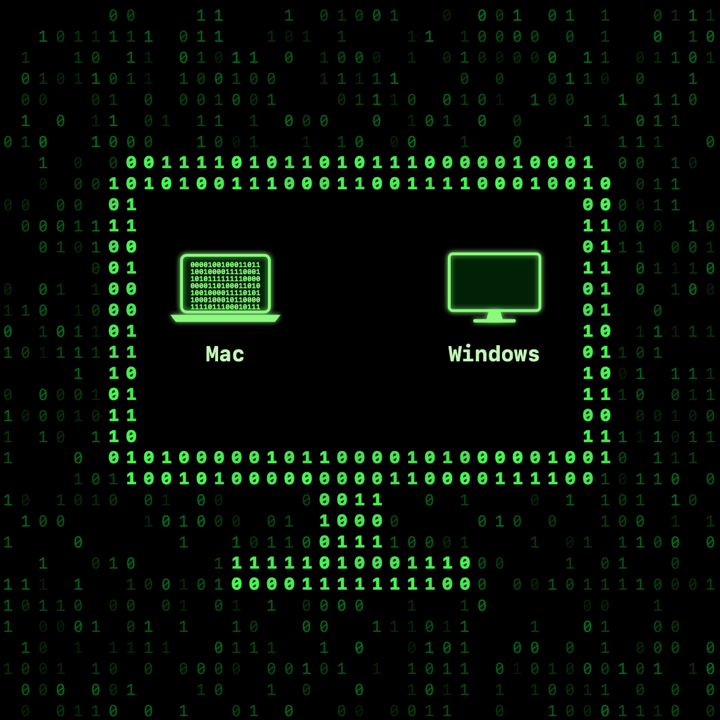
The computer you sit at is the Viewer. The one you reach is the Receiver. One app does both.
Mac
Viewer and Receiver. macOS 14 Sonoma or later, Apple silicon or Intel.
Windows PC
Viewer and Receiver on Arm PCs: Windows 10 version 1809 or later, or Windows 11. Intel and AMD PCs: coming soon.
iPhone, iPad, Android
In testing, as the Viewer for your Mac or PC. An iPhone or iPad can also let a paired computer watch its screen.
Matrix Remote is in beta
Free, by invitation, and not for sale.
This test version stops working on 1 January 2027.
Questions: support@matrixremote.app
More privacy-first tools we're building. Take a look: